
Best Free Image to PDF Converter Online 2025
Convert JPG, PNG, GIF and other image formats to PDF documents instantly with our fast, secure, and easy-to-use Image to PDF Converter – no registration required!
Start Converting Now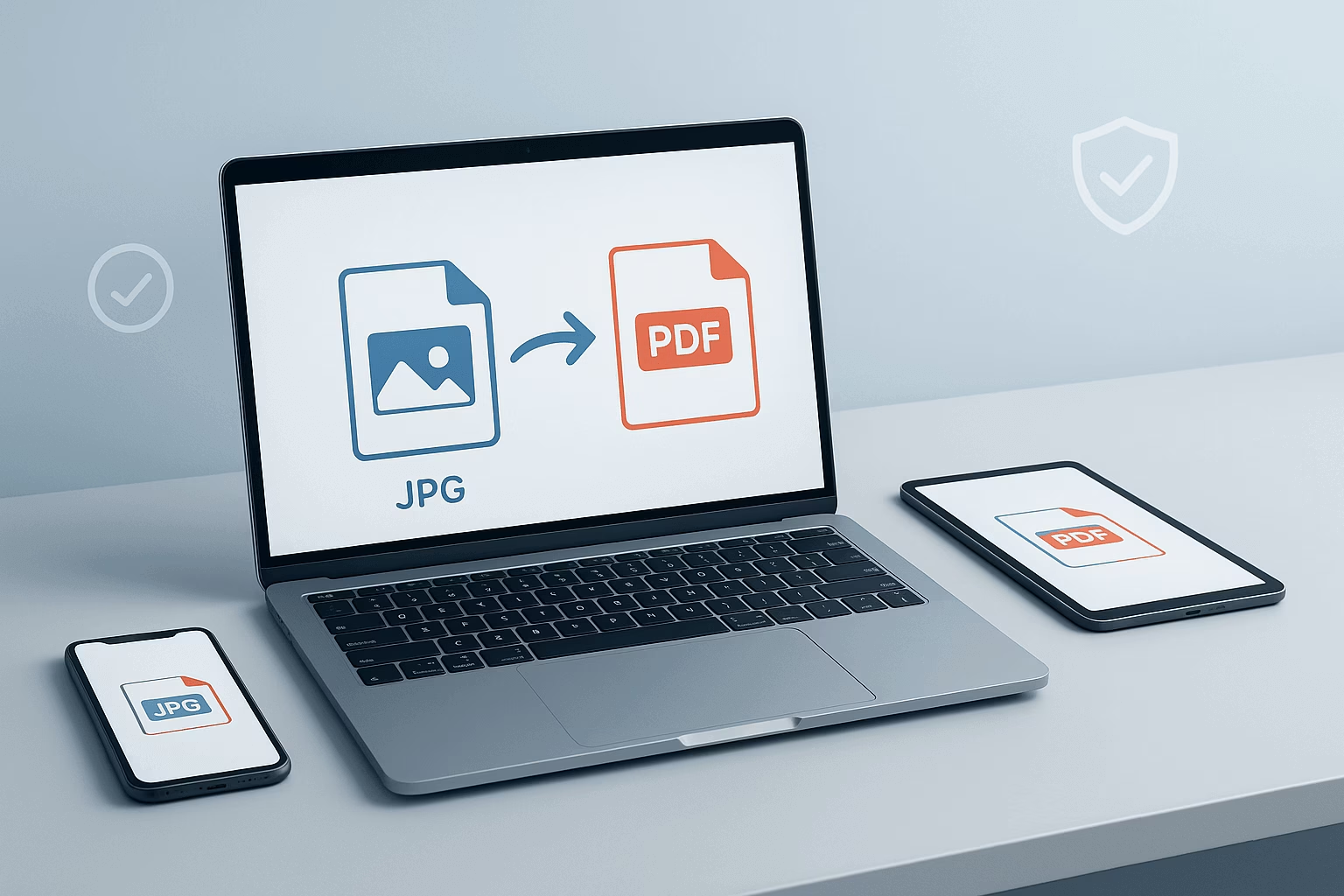
Image to PDF Converter Tool
Upload your images and convert them to a professional PDF document instantly
Drag & Drop Images Here
or click to browse files
Supports: JPG, PNG, GIF, BMP, WebP
Key Features
Instant Conversion
Convert images to PDF instantly without waiting. No delays, no queues – get your PDF immediately.
100% Secure
Your files never leave your device. No server uploads, complete privacy protection for your documents.
Completely Free
No hidden costs, no watermarks, no subscriptions. Enjoy unlimited conversions completely free.
Works on All Devices
Perfectly optimized for desktop, tablet, and mobile. Convert images anywhere, anytime.
Multiple Formats
Supports JPG, PNG, GIF, BMP, WebP and more. Convert any image format to professional PDF.
Batch Processing
Convert multiple images at once. Combine several images into one organized PDF document.
No Registration
Start converting immediately. No sign-up required, no personal information needed.
Preserves Quality
Maintains original image quality during conversion. Crystal clear PDFs every time.
Custom Naming
Choose your own PDF filename. Perfect organization with personalized document names.
Unlimited Conversions
No limits on usage. Convert as many images as you need, whenever you need.
Why Use an Image to PDF Converter?
An Image to PDF Converter is an essential tool for anyone who needs to transform images into professional, portable documents. Whether you’re a student, professional, or casual user, converting your images to PDF format offers numerous advantages that make document management easier and more efficient.
- Universal Compatibility – PDFs can be opened on any device, any platform, without compatibility issues
- Professional Appearance – Perfect for reports, presentations, and portfolios that need to look polished
- File Compression – Reduce file size while maintaining excellent image quality
- Document Security – Protect your content from unauthorized editing and modifications
- Multi-Image Support – Combine several images into one organized PDF document
- Easy Sharing – Send one PDF file instead of multiple image files
How Our Image to PDF Converter Works
Our Image to PDF Converter simplifies the process of turning your images into polished PDF documents. Unlike complicated software or expensive services, our tool works directly in your browser with an intuitive interface that anyone can use:
Drag and drop your images or click to select them from your device. Our Image to PDF Converter supports JPG, PNG, GIF, BMP, and WebP formats with instant preview.
Enter your desired filename for the PDF document. The tool automatically adds the .pdf extension, making organization simple.
Click the convert button and watch as our Image to PDF Converter instantly processes your images and creates a professional PDF document.
Download your new PDF file immediately and share it with colleagues, clients, or friends with complete confidence.
Privacy First Image to PDF Converter
Unlike many online converters, our Image to PDF Converter processes your files entirely in your browser. Your images are never uploaded to any server, ensuring complete privacy and security for your sensitive documents. All processing happens locally on your device.
Who Can Benefit from Our Image to PDF Converter?
Our Image to PDF Converter is designed for a wide range of users across different industries and use cases:
Professionals
Create reports, presentations, and portfolios from your visual content quickly and professionally
Students & Educators
Compile research materials, create study guides, and submit assignments in PDF format
Home Users
Organize family photos, recipes, and important documents for easy access and sharing
Businesses
Convert receipts, contracts, and documentation for professional archiving and record-keeping
Top PDF Readers for Your Documents
After converting your images to PDF, choose from these trusted PDF readers to view, edit, and manage your documents professionally.
Adobe Acrobat Reader
Industry Standard • Free
Windows, Mac, Android, iOS • Free
Microsoft PDF Reader
Windows Built-in • Free
Built into Windows • Free Download
Foxit PDF Reader
Lightweight Alternative • Free
Windows, Mac, Linux, Mobile • Free
Sumatra PDF
Ultra-Lightweight • Free
Windows, Mac, Linux, Mobile • Free
Boost Your Productivity with Our Free AI Content Export Tool
Looking for more powerful tools? Try our Free AI Content Export Tool – the perfect companion for content creators, marketers, and writers who need to generate and export high-quality content quickly!
- AI-Powered Content Generation – Create high-quality content in seconds with advanced AI
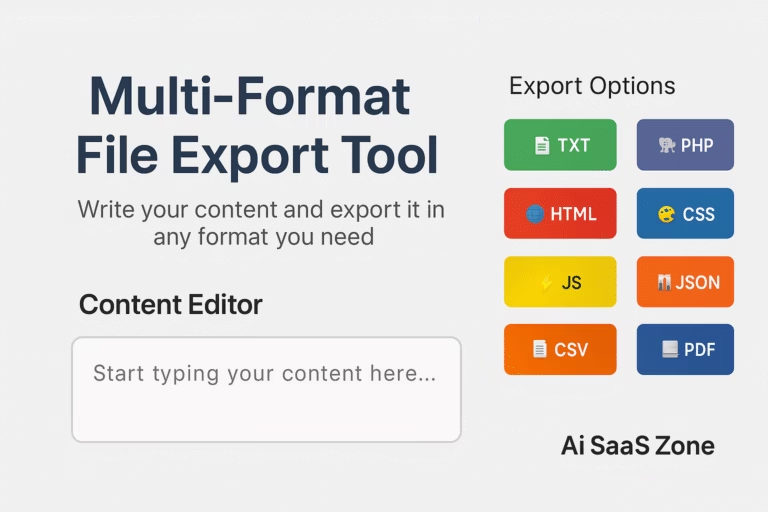
- Multiple Export Formats – Export to PDF, DOCX, HTML, and more formats
- Lightning Fast – Generate and export content instantly without delays
- 100% Secure – Your content remains private and is never stored
“I’ve tried numerous image to PDF converters, but this one stands out for its simplicity and reliability. As a real estate agent, I need to create property portfolios quickly, and this Image to PDF Converter has saved me hours of work each week. The ability to customize the PDF filename is a game-changer!”
Advanced Features of Our Image to PDF Converter
Our converter goes beyond basic functionality to provide you with a professional-grade tool:
- Batch Processing – Convert multiple images at once efficiently
- Live Preview – See thumbnails of all uploaded images before conversion
- Easy Management – Remove unwanted images with one click
- Custom Naming – Choose your own PDF filename for better organization
- Responsive Design – Works perfectly on desktop, tablet, and mobile devices
- Instant Processing – No waiting, no queues – convert immediately


Hi! I’m at work surfing around your blog from my new iphone 3gs!
Just wanted to say I love reading through your blog and look forward to all your posts!
Carry on the outstanding work!