
HTML to APK Converter
The ultimate solution for packaging your web application into a native Android Studio project.
Welcome to HTML to APK Converter. Our tool offers a simple yet comprehensive solution. Paste your HTML, configure your app name, package ID, colors, and permissions, and get a clean, ready-to-build ZIP file in seconds.
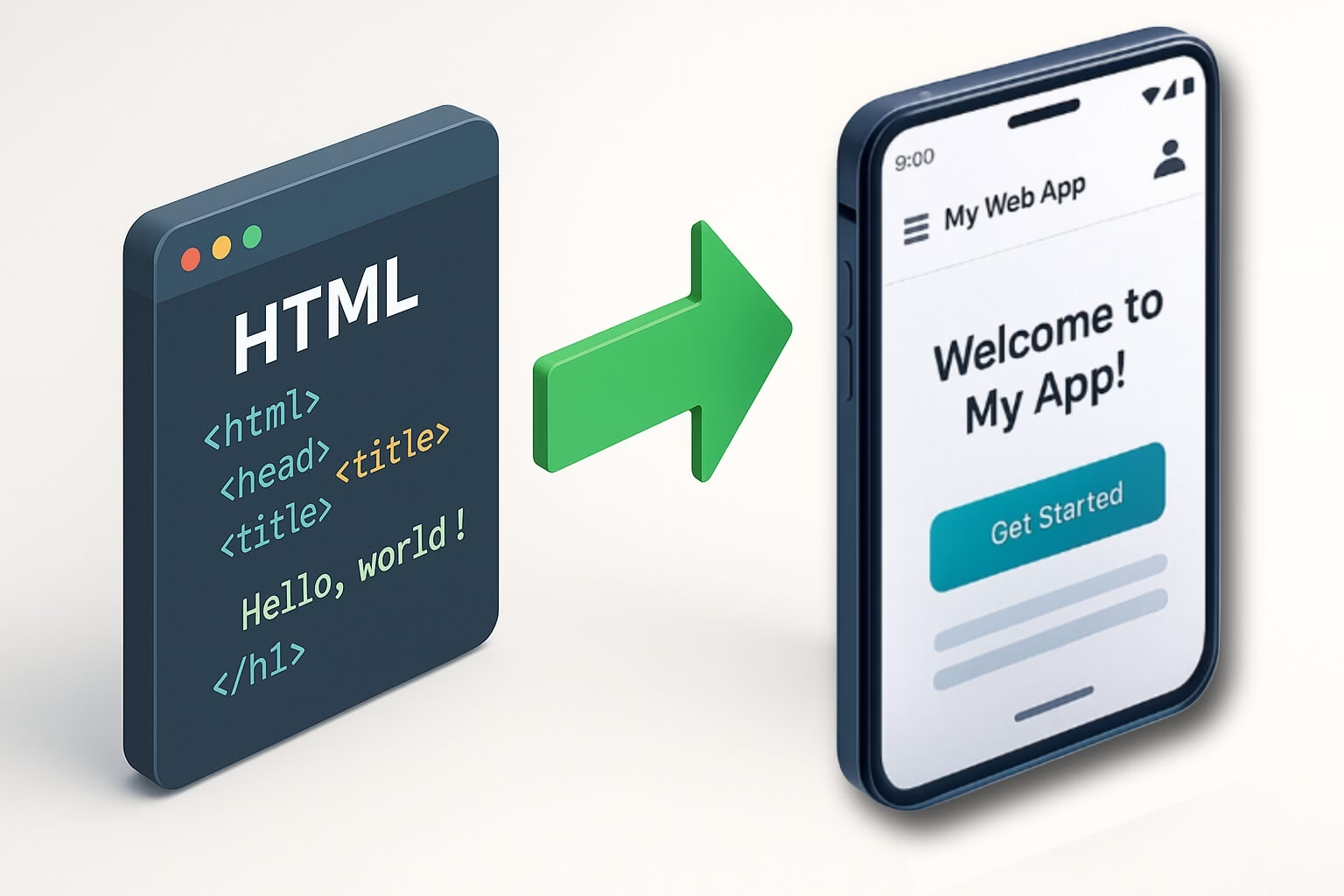
The generated project is fully compatible with Android Studio and Gradle. Furthermore, this ensures professional quality.
Set primary/accent colors, add text-based icons, and configure a custom splash screen for a branded experience.
Control JavaScript, DOM Storage, zoom, cache, and file access directly before generation.
Access the HTML to APK Converter
The HTML to APK Converter tool is available at the link below. Click to open the converter and start transforming your HTML projects into Android applications. Configure app settings, customize branding, and generate ready-to-build Android Studio projects instantly.
Open HTML to APK Converter ToolYou’ll be redirected to the full-featured converter tool where you can paste your HTML code, configure app settings, and download your Android project.
How to Use HTML to APK Converter
Prepare Your HTML Content
Gather all your HTML, CSS, and JavaScript files. You can either paste your code directly into the editor or upload your main HTML file. Ensure your web application is mobile-responsive for the best user experience.
Configure App Settings
Set your app name, package ID (e.g., com.yourcompany.appname), version details, and choose your brand colors. Configure permissions and WebView settings according to your application’s requirements.
Customize Branding
Add your app icon (text-based or upload custom image), enable splash screen if needed, and customize the appearance to match your brand identity with primary and accent colors.
Generate & Build
Click “Generate Project” to download the Android Studio project ZIP file. Extract it and open in Android Studio. Use Build > Build APK to create your final application file.
Ready to Populate Your App with Content?
If you need high-quality, export-ready text for your HTML application, use our Free AI Content Export Tool. It converts any text into 10+ formats instantly!
Try the Free AI Content Export Tool⚠️ Important Disclaimer: This tool generates the source code for an Android Studio project. It does not produce a final APK file. You must have Android Studio installed and use the generated source code to compile the final APK for submission to the Google Play Store. Download Android Studio from the official website.





Just wish to say your article is as astonishing. The clearness in your publish
is simply cool and that i could assume you’re a professional in this subject.
Well together with your permission let me to seize your feed to stay up to date with approaching post.
Thanks one million and please continue the rewarding work.